
A declarant has the option to charge a third party (trustee; customs agency) named third-party declarant in Idep.Web to make Intrastat declarations on his behalf.
To authorize a third-party reporter, the contributor must log in to their Idep.Web account.
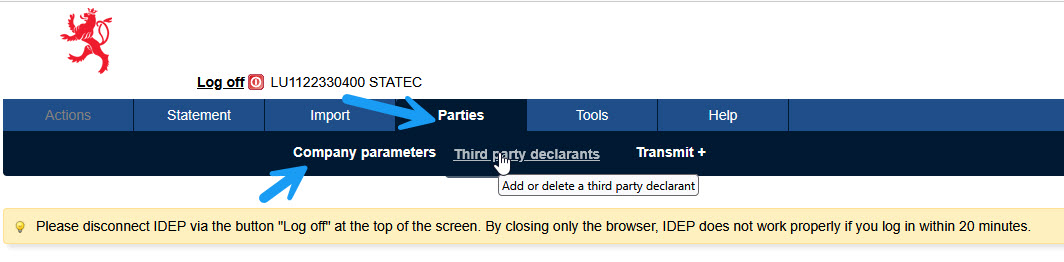
To add a Third party declarant use the menu "Parties" option "Third party declarants".
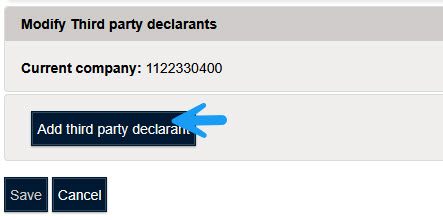
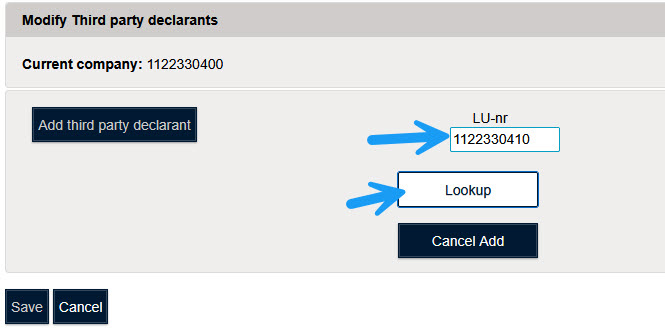
Click on "Add third-party declarant" and enter the identification number of the third-party reporter in the Nr. field "Lu-nr"
Then click on the button "Lookup".
If the third-party reporter is registered in the system, the name of the third-party reporter will be displayed.
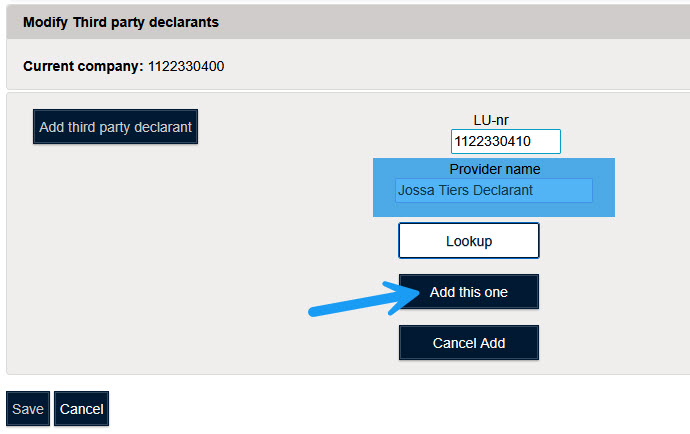
Click on "Add this one".
Then you need to define what type of forms are filled out by the third-party reporter.
For example, balance of payments and/or import declarations and/or export declarations.
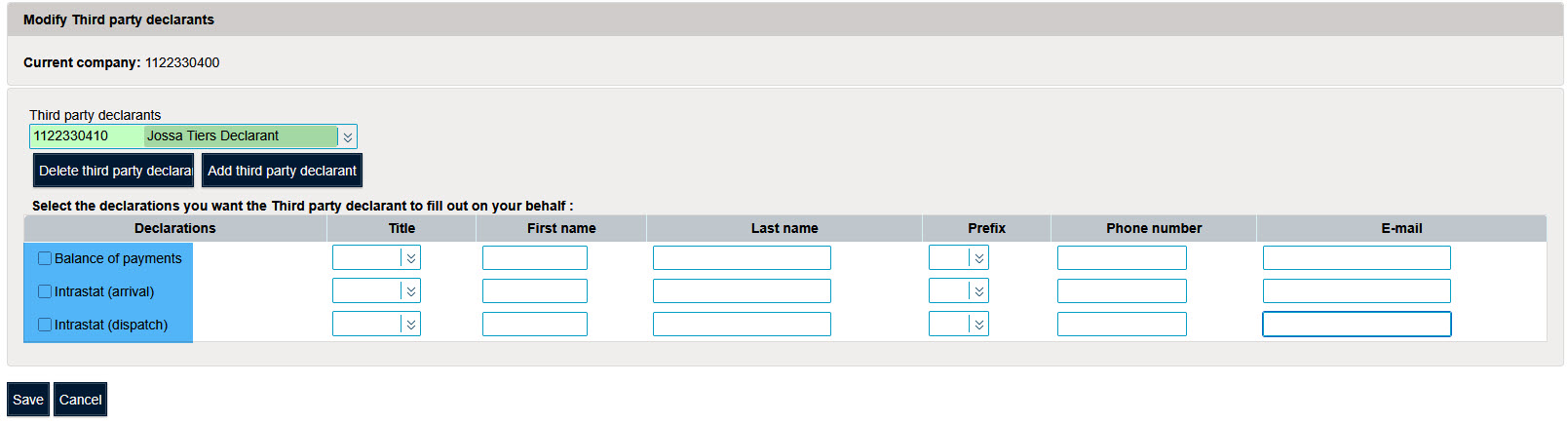
It is possible to define a contact person per flow.
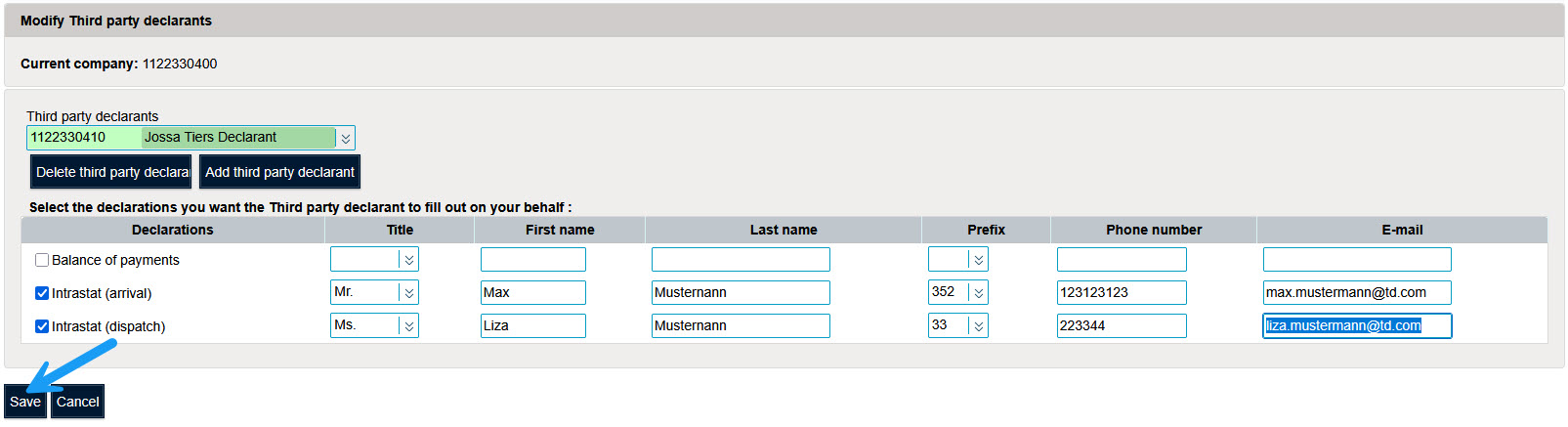
The third-party reporter can adapt these contact persons via the third-party declarant’s account.
To save the changes click "Save".