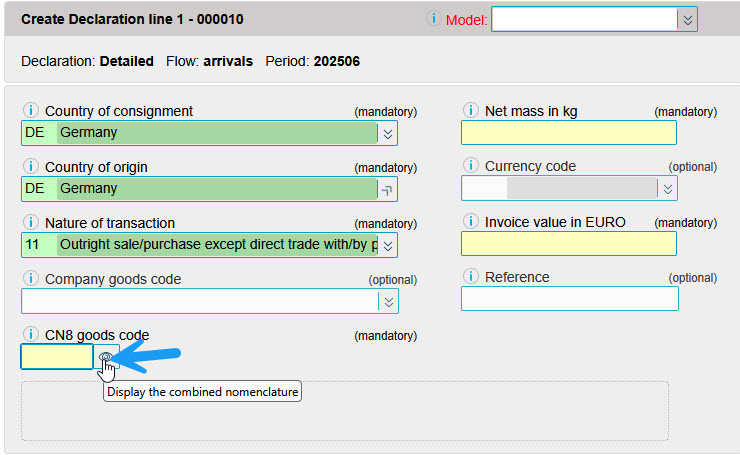
The Combined Nomenclature (CN8) allows you to search for commodity codes. You'll find commodity codes grouped by sections and chapters. Codes can be displayed with 4, 6 or 8 positions. Only those with 8 positions can be included in a declaration.
The CN8 Combined Nomenclature (customs codes) can be accessed via the "Tools" option "CN8 goods-codes".

The CN8 navigator offers various possibilities for displaying/searching a product code.
In self-explanatory text mode, the browser displays the text in a detailed version.
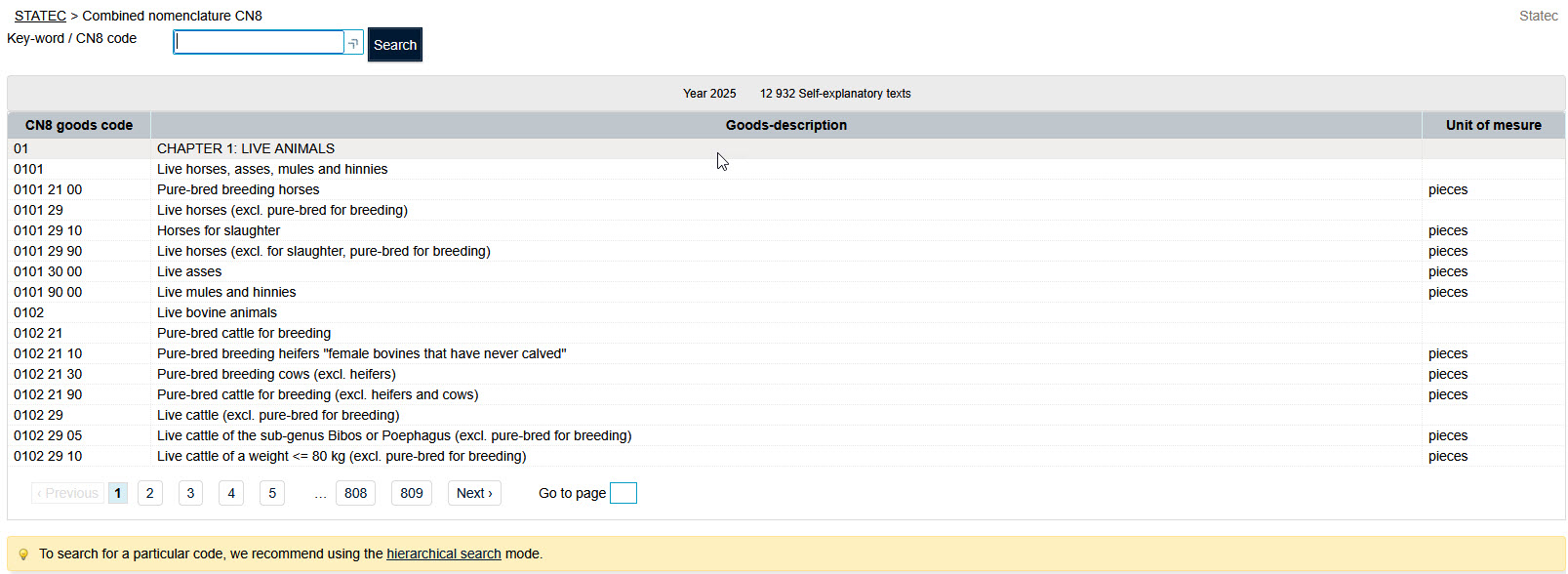
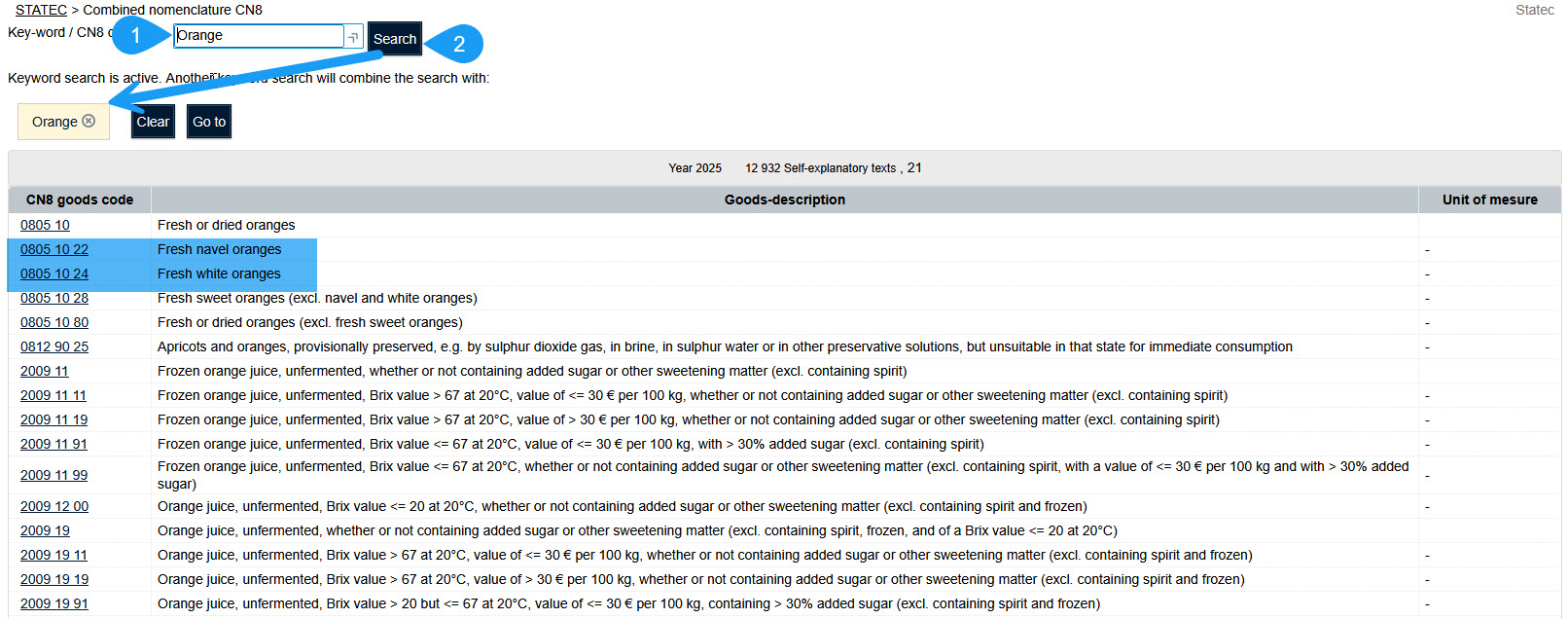
To search for a code, enter a keyword in the "Key-word / CN8 code" field.
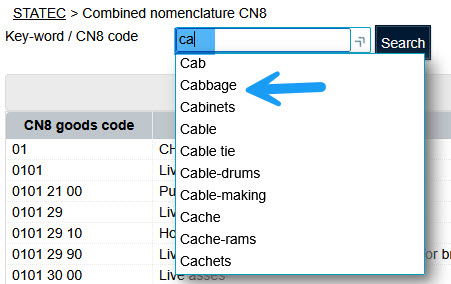
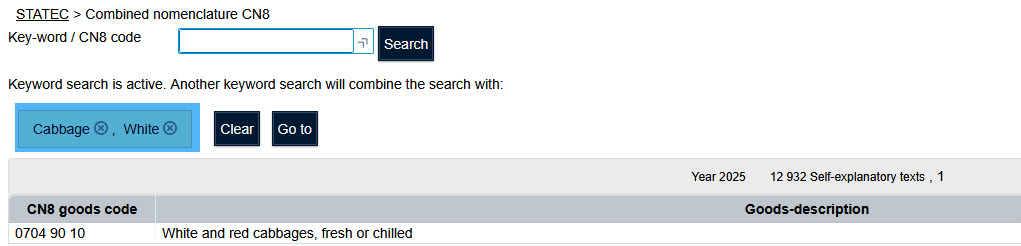
A search for the keyword "cabbage" yields the following result:
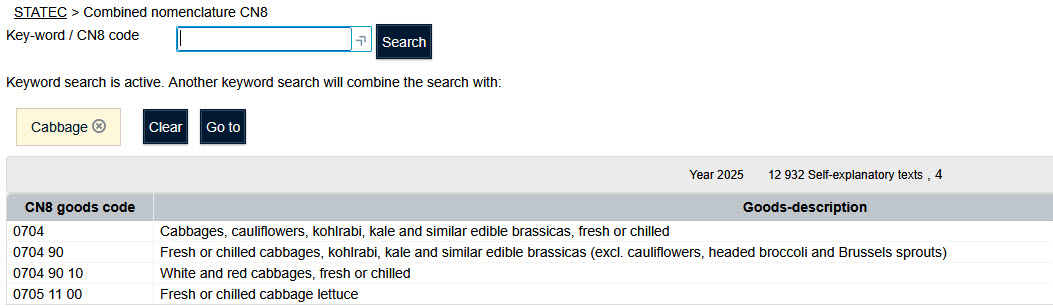
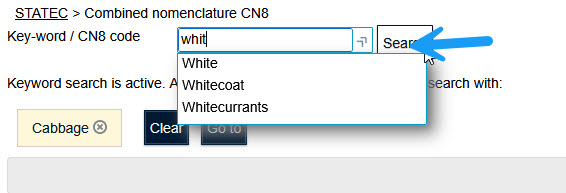
Different keys can be combined.
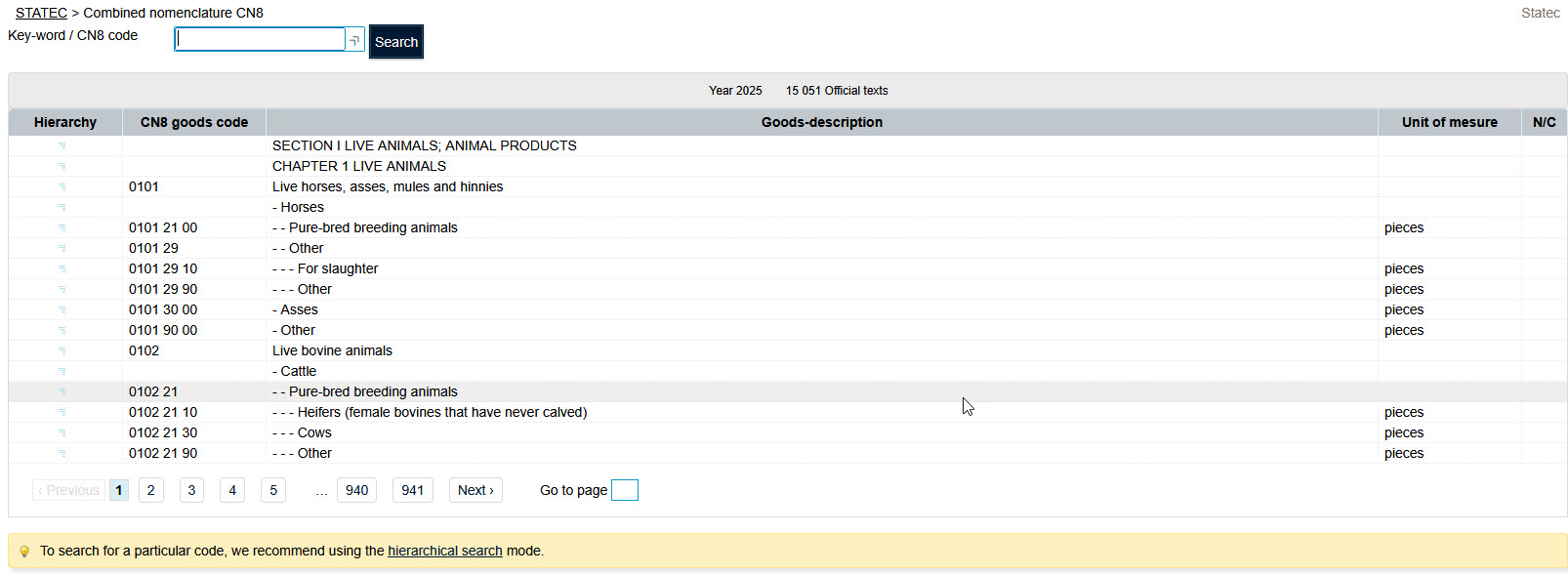
In official texts, the combined nomenclature is displayed by shortened and subdivided texts.
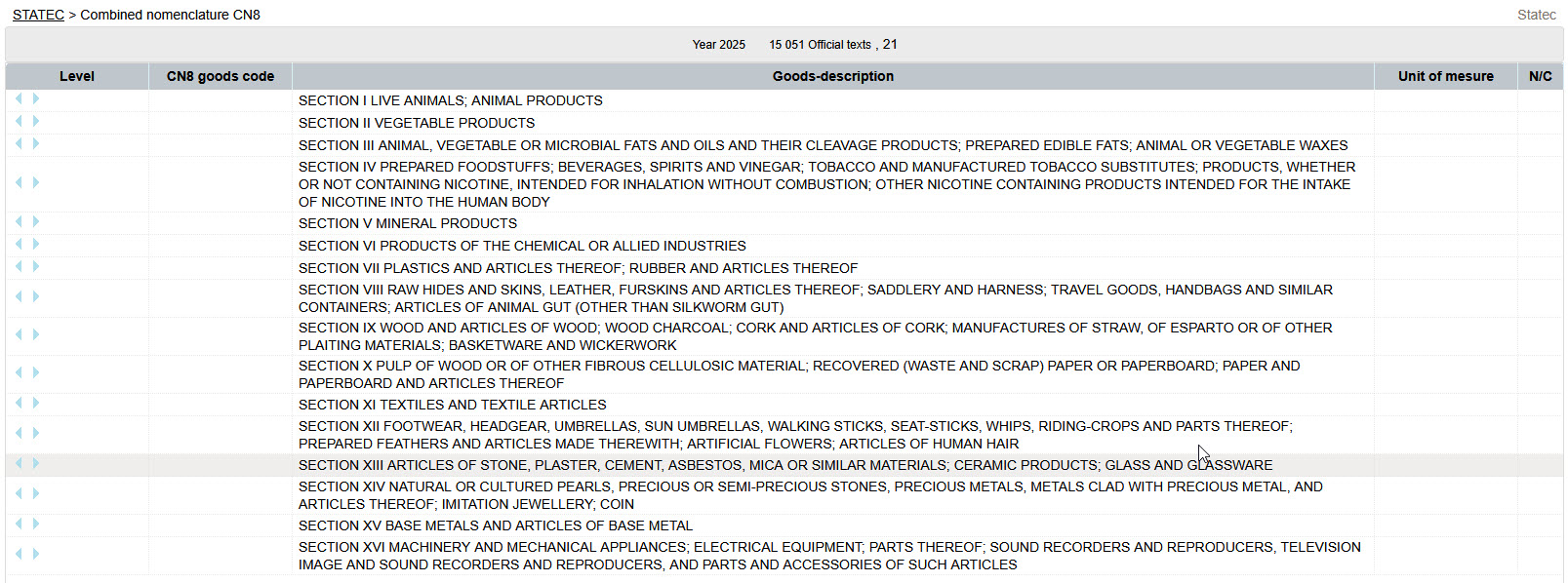
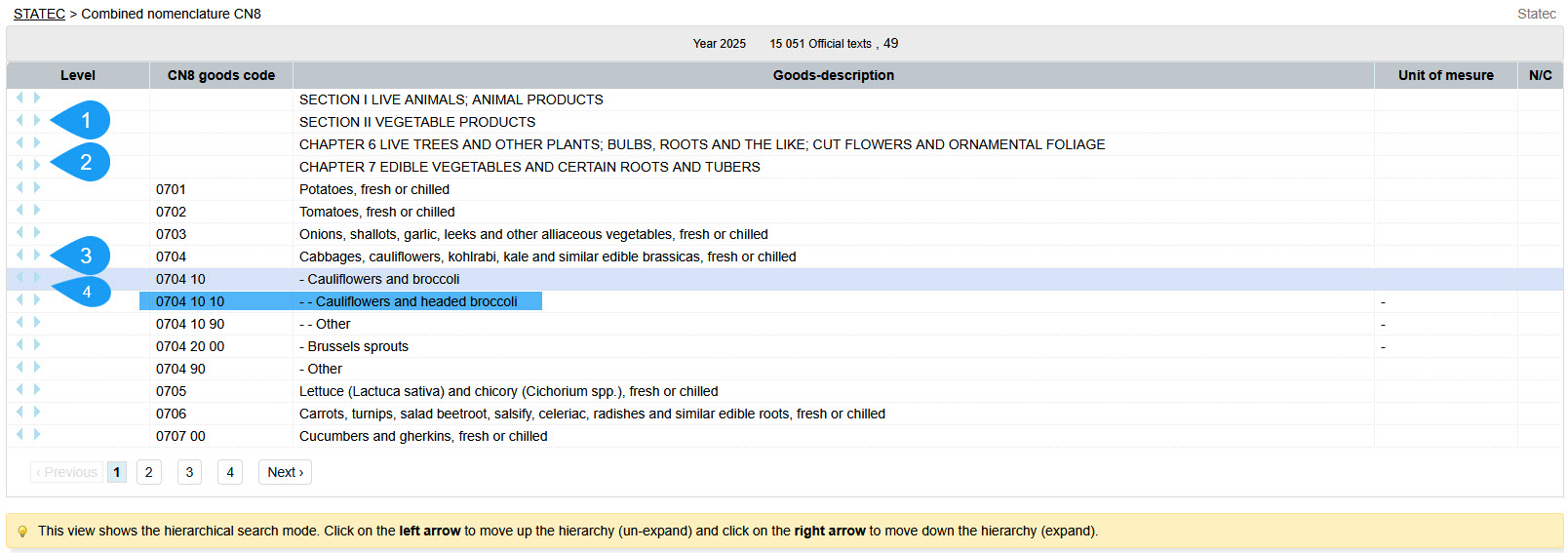
Use the  button to move up the CN8 hierarchy and the
  to move backwards in this same hierarchy.
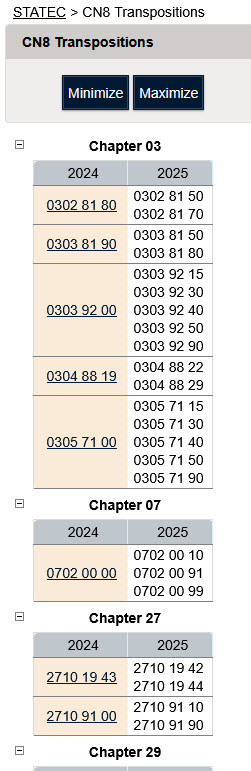
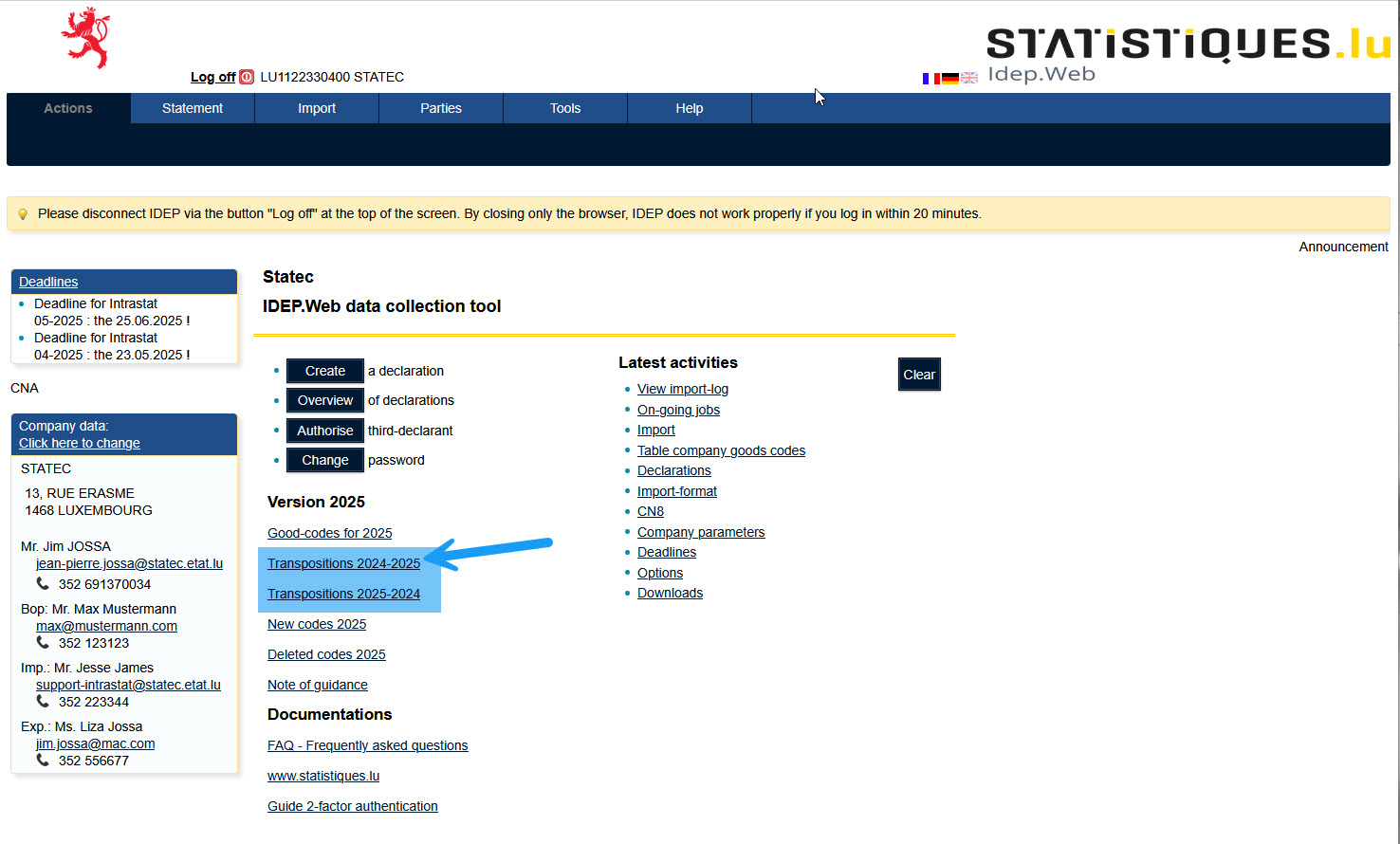
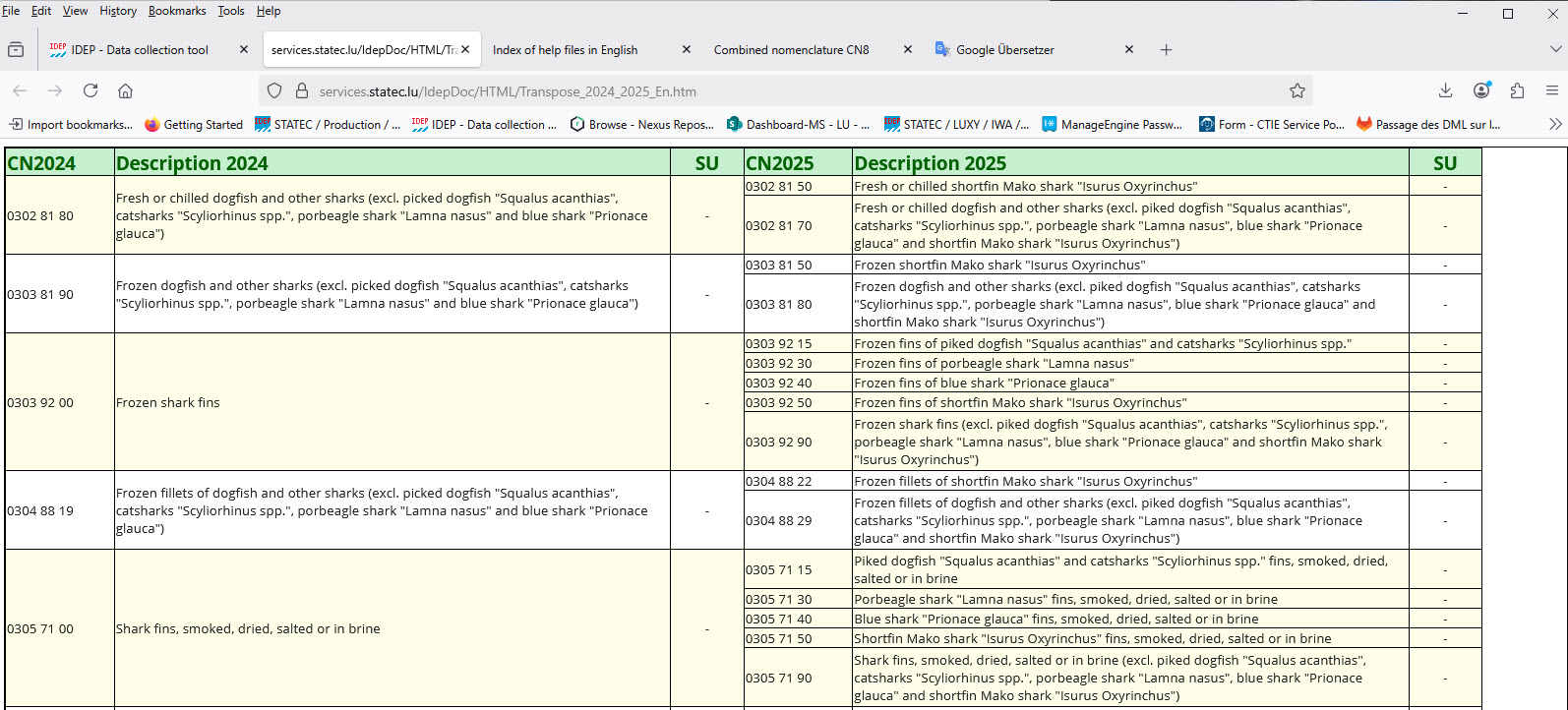
A transposition table showing also the description of the goods is available on the main page of Idep.