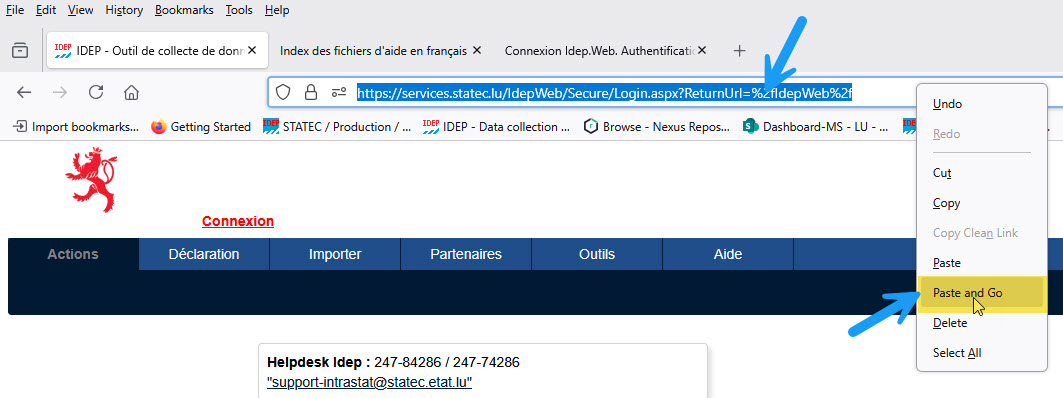
To access the software, you must create a user account with a password. Upon receipt of the request, the access code will be sent by registered mail.
ⓘ In the event that a third-party reporter files the reports, the third-party reporter also requires an account for Idep.Web.
Address of the Idep.Web site https://services.statec.lu
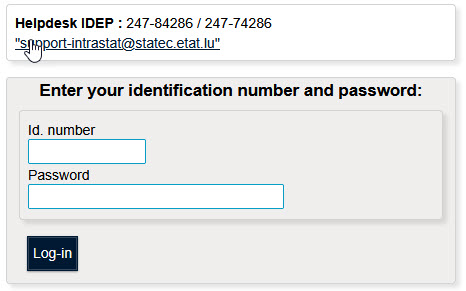
You will access Idep.Web by entering the user followed by the password, which the Statec will have provided.
Click on "Log-in"
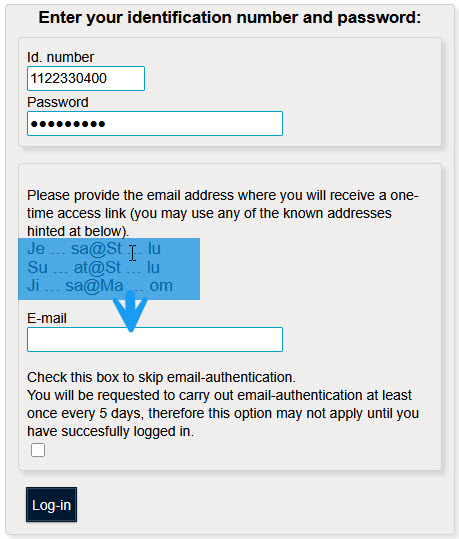
Encode an email address. Only addresses registered in Idep.Web are valid for the connection.
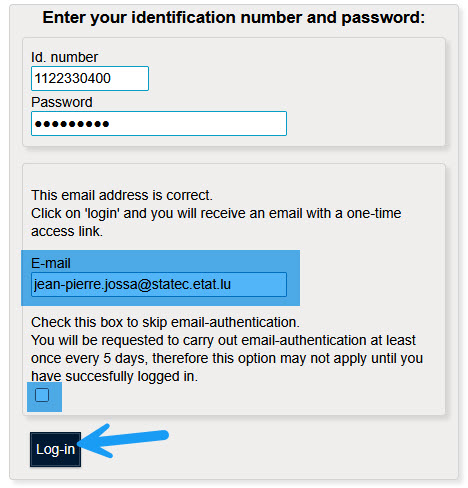
Click on "Log-in"
Example of an email sent by Idep.Web.
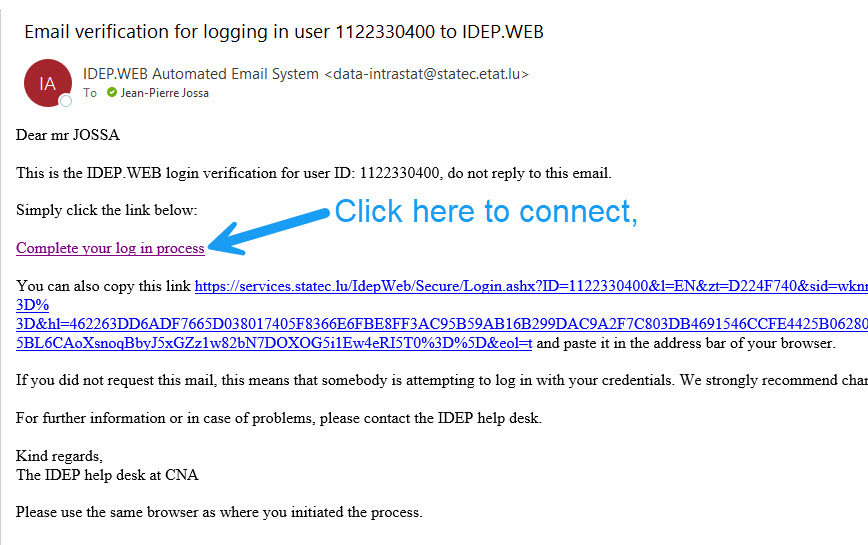
Click on the link "Complete your log in process"
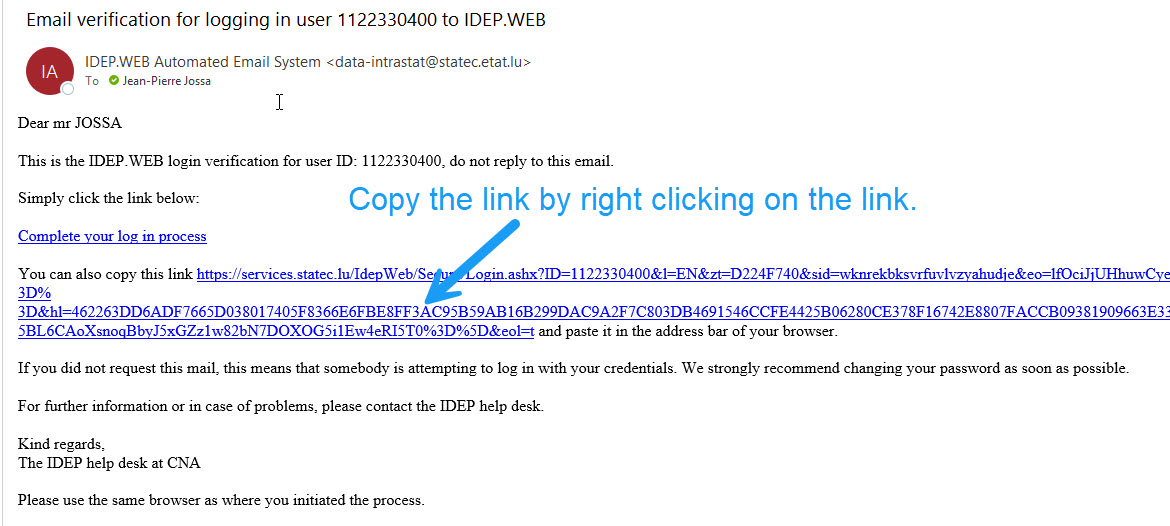
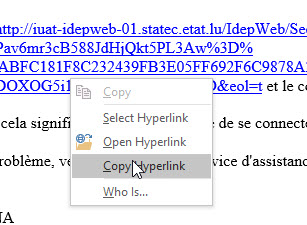
In your browser paste the link by right-clicking on the address field and choose the option "paste / paste and go" the displayed menu.