
Create a declaration in Idep.Web
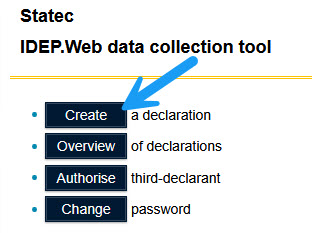
To create a declaration click on the option "Create a declaration".
ⓘ The available forms for the current account will be displayed in Step 1
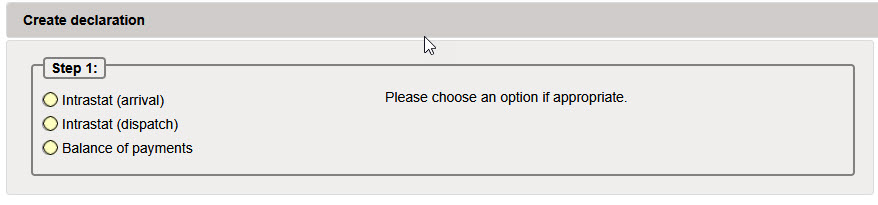
You must first make a choice on the type of declaration to be made.
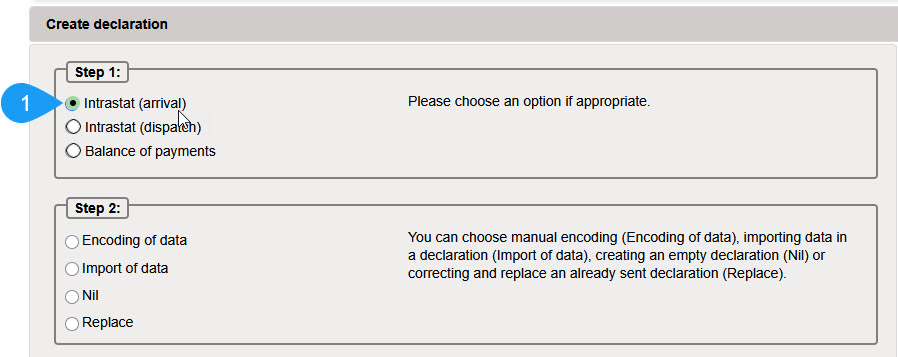
- You will need to indicate what type of declaration you want to create :
- Encoding of data : if you want to encode line by line
- Import of data : if you want to import data from an external file
- Nil : if you simply want to create a Nil declaration – without lines (nothing to report for this month)
- Replace : if you want to make corrections to a report already submitted
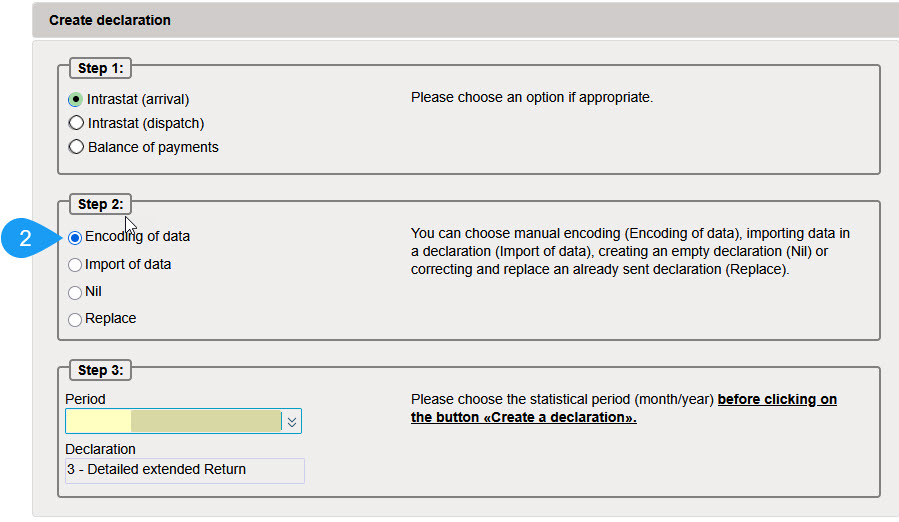
Finally it will be necessary to make an indication on the reporting period
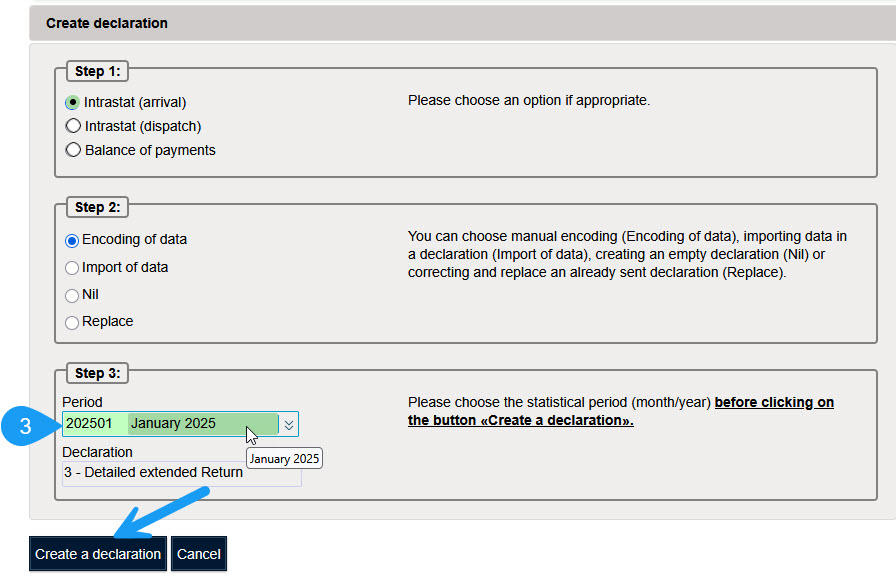
Click on “Create a Return” to create the return.