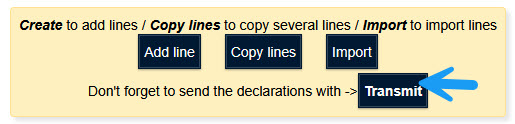

A file from one of these applications contains only the data for one declaration.
In this example, the third-party declarant “Jossa Tiers Declarant” imports a declaration for its customer “Statec”.
This information is displayed at the top of Idep.Web.
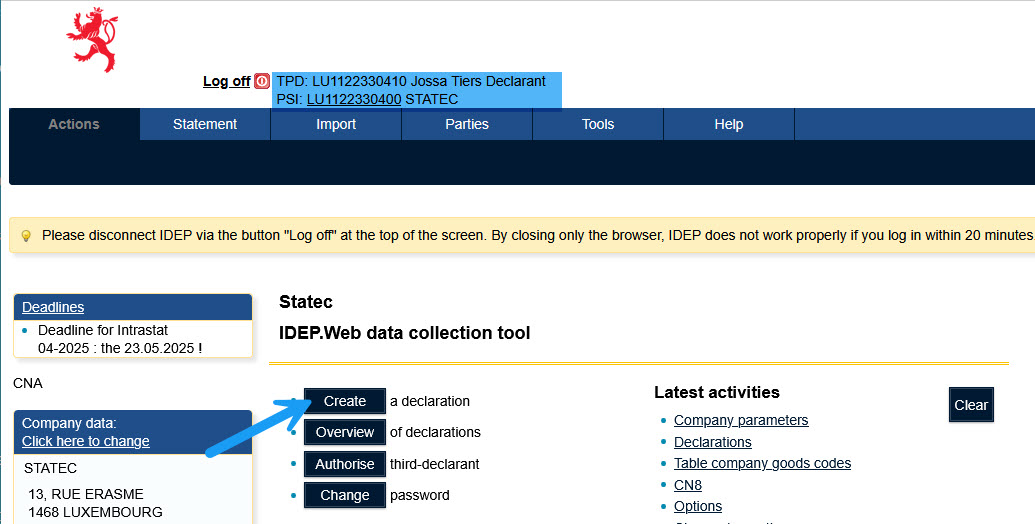
First, you need to create a declaration.
Click on "Create a declaration".
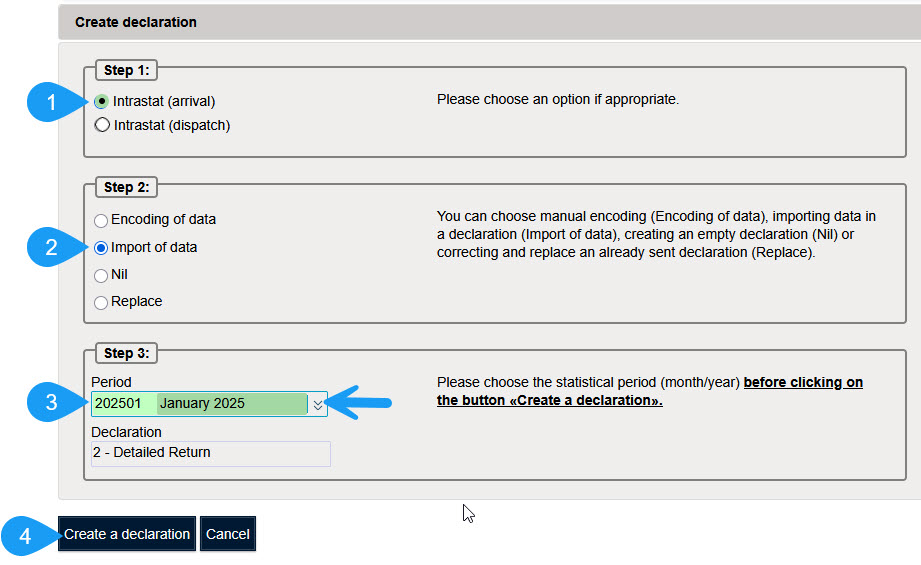
Click on "Create a declaration" to create a new declaration.
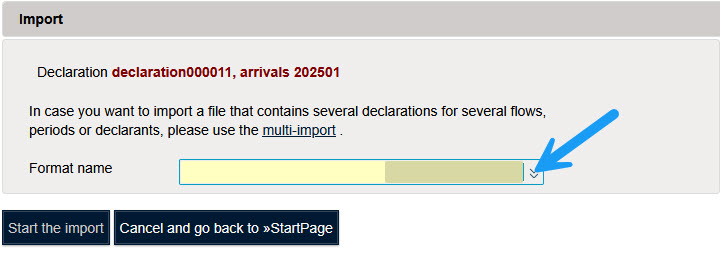
You must choose the format that corresponds to your file.
Click on "Format name" to select the format corresponding to your application.
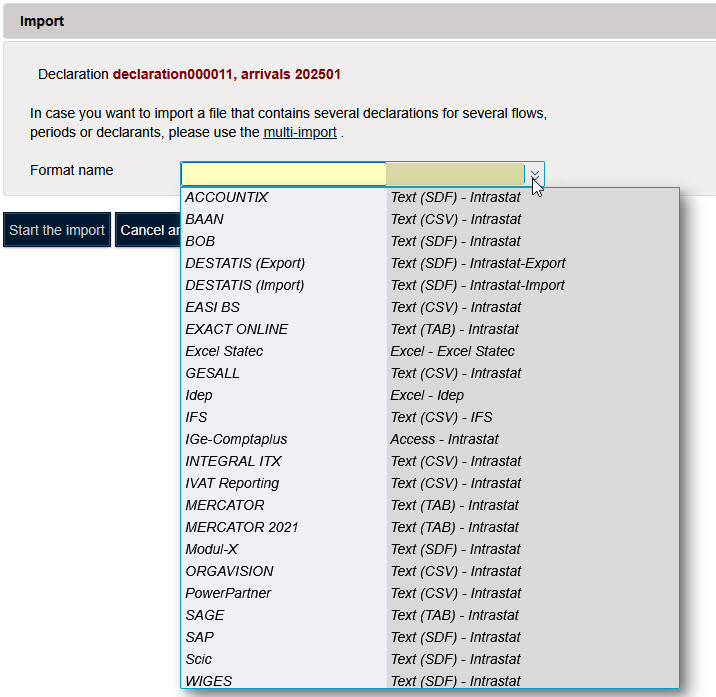
To illustrate importing, we'll import an Accountix file.
Select the file you want to import.
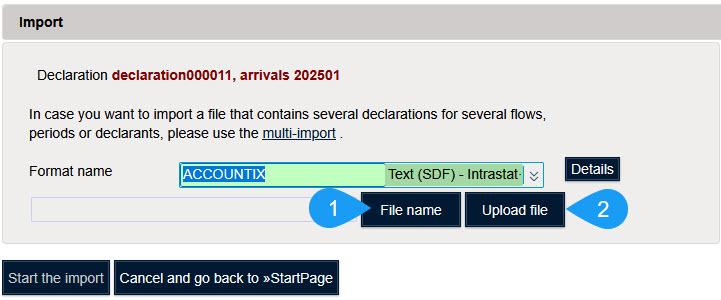
Click on "Upload file" to load the file into memory.
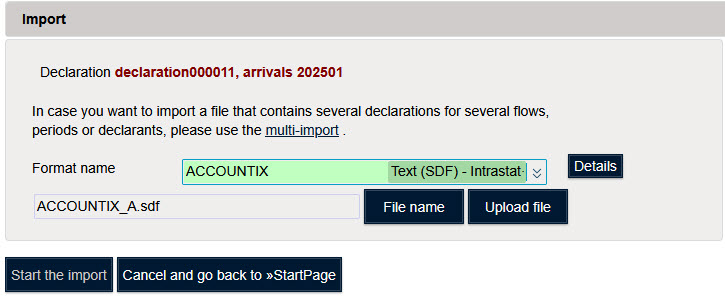
Cliquez surClick on "Start the import" to start importing data.

Idep affiche le message "In process" when processing the file.

If no error is detected, you will get the message "Successful".
Click on "Successful" pour voir les détails de l'importation.

If errors have been detected, you will see the message "With errors".

Click on "With errors" to view import details.
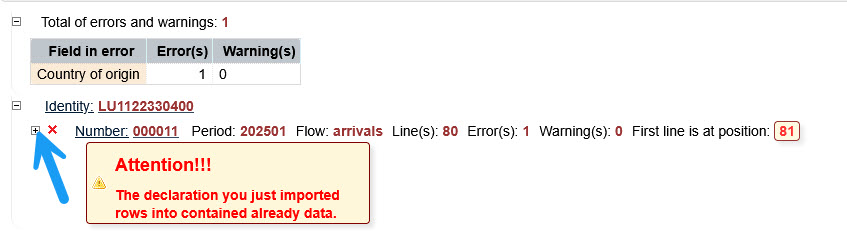
More details are displayed by clicking on the "+".
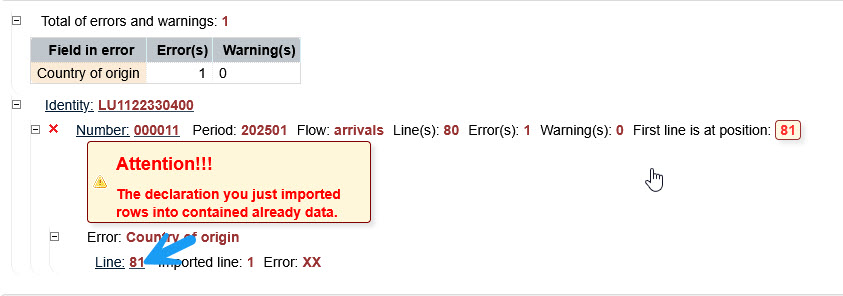
Cliquez sur le numéro de la ligne pour voir les détails de la ligne en erreur.
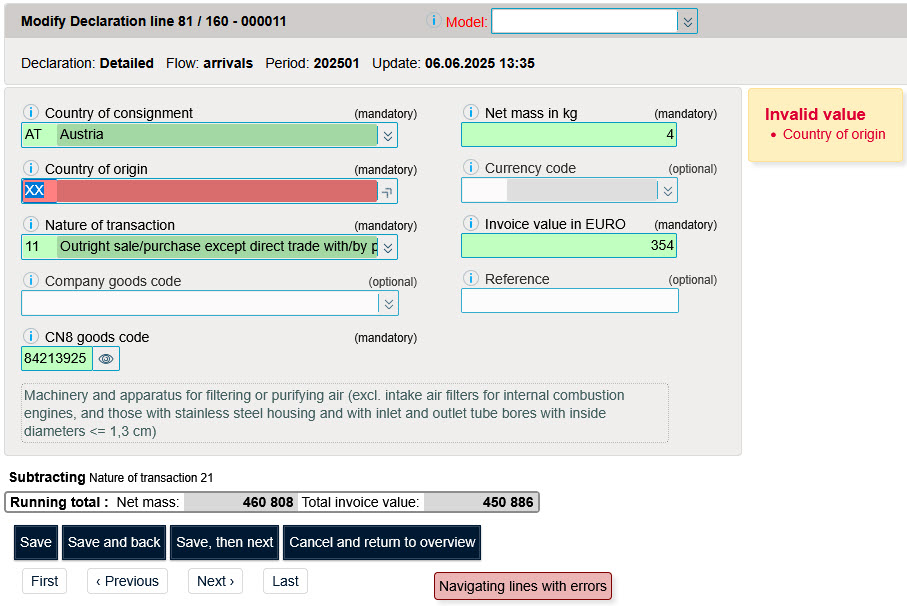
This line contains the wrong destination country. Correct the error by selecting the correct country.
Then click on "Save, then next" if the declaration contains several errors.
If the declaration no longer contains any errors, click on"Save and back" to display the line preview.