
The "Options" tab in Idep.Web allows you to adapt the behavior of the Idep.Web site.

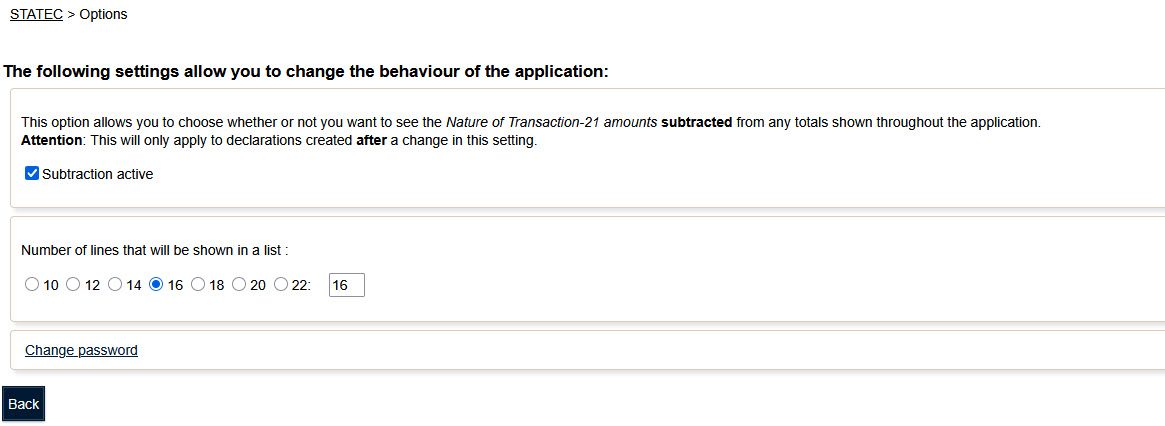
This option modifies the way totals are calculated for a declaration.
If this option is checked, the values of the lines with the code "Nature of transaction 21 (Return of goods)" are subtracted from the total value of the declaration.
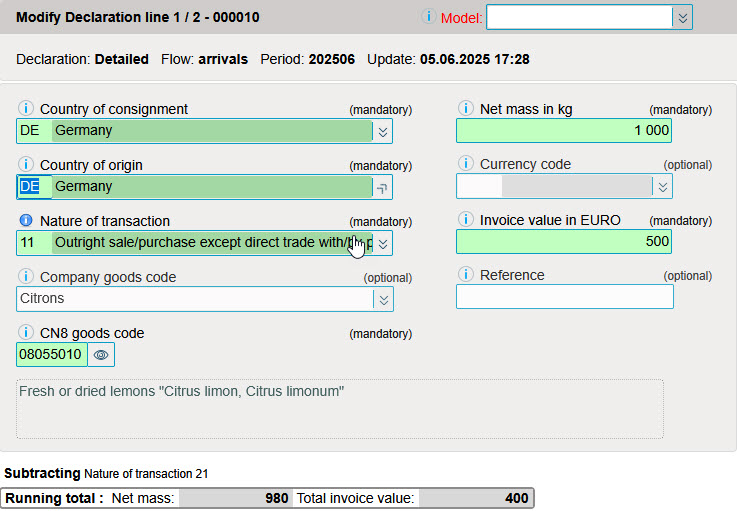
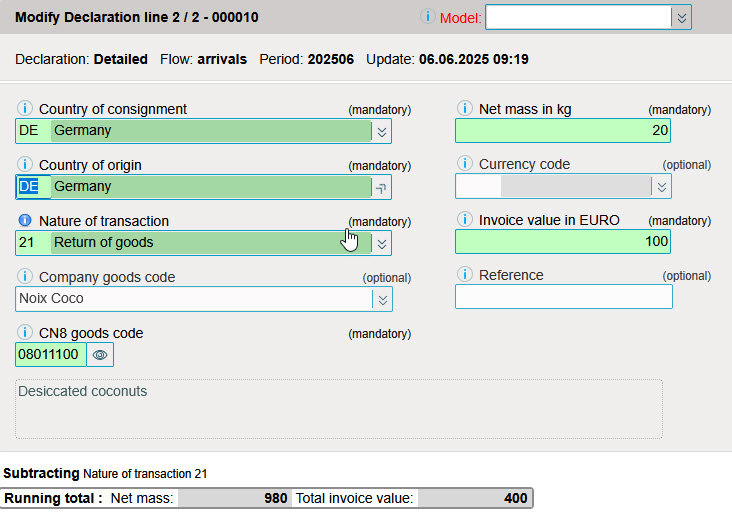


You can change this option in the encoding window by clicking on the link (see image below).

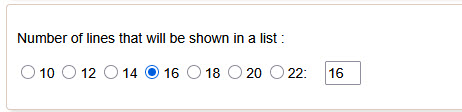
This option defines the number of lines displayed in the various lists. (Declaration overview; Line overview / ....)
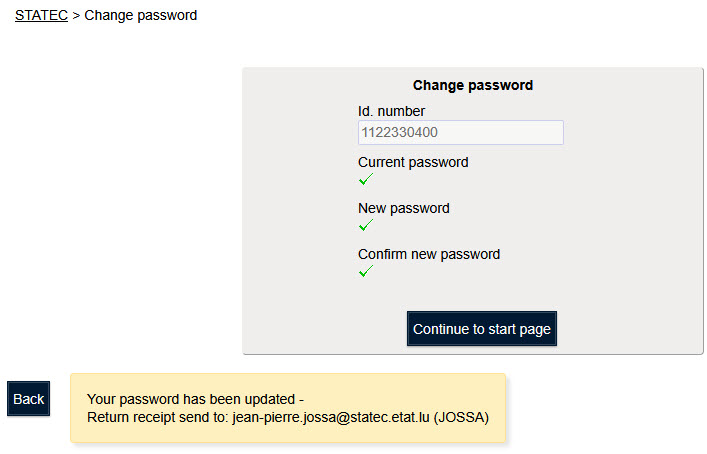
This option lets you change the password used to access the Idep.Web application.
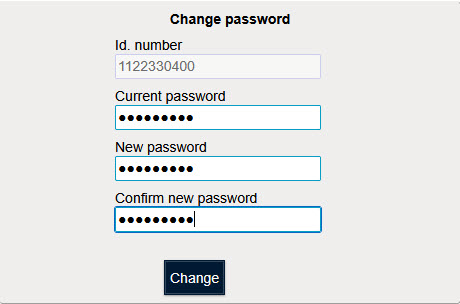
You must first enter the current password in the "Current password".
Then enter your desired password 2 times.
Idep indicates that the password has been successfully changed.
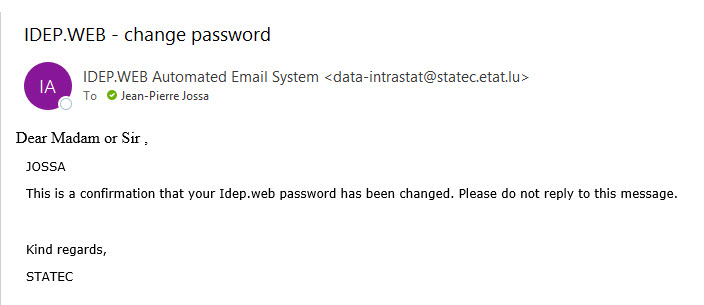
A confirmation e-mail is sent to the e-mail address configured in your account.