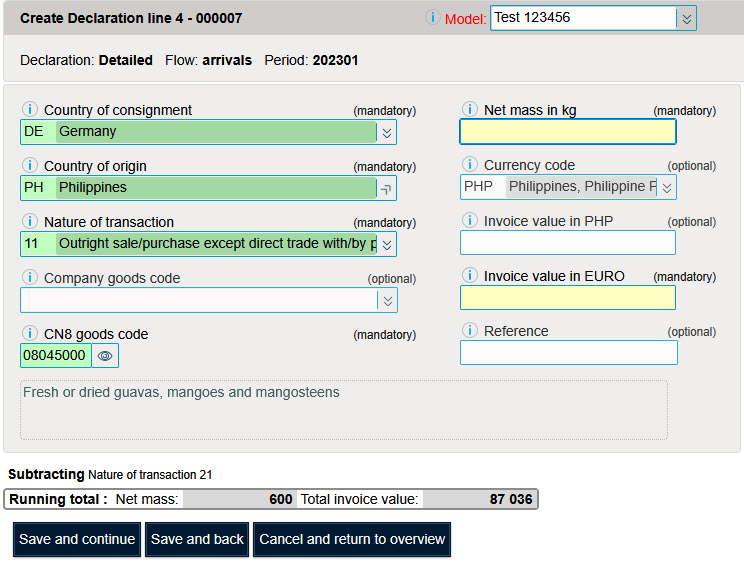
A model line is similar to a pre-filled form. If a company always imports the same products, it is possible to create model lines with its products.
Here are a few examples of model lines.

The lines model table can be accessed via the "Tools" menu "Table model lines" option.

There are two ways to add model lines in Idep.Web.
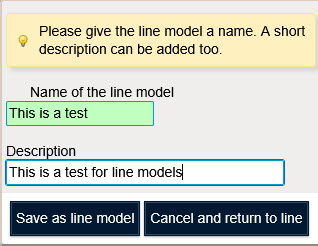
First encode a line as usual in Idep.Web. Then choose the option "Save as line model".
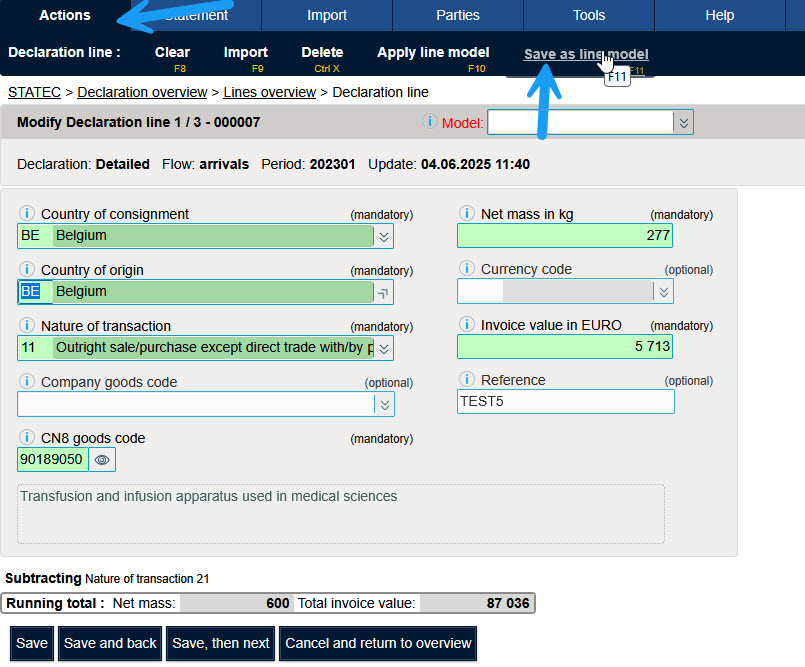
Encode a name for the line model.
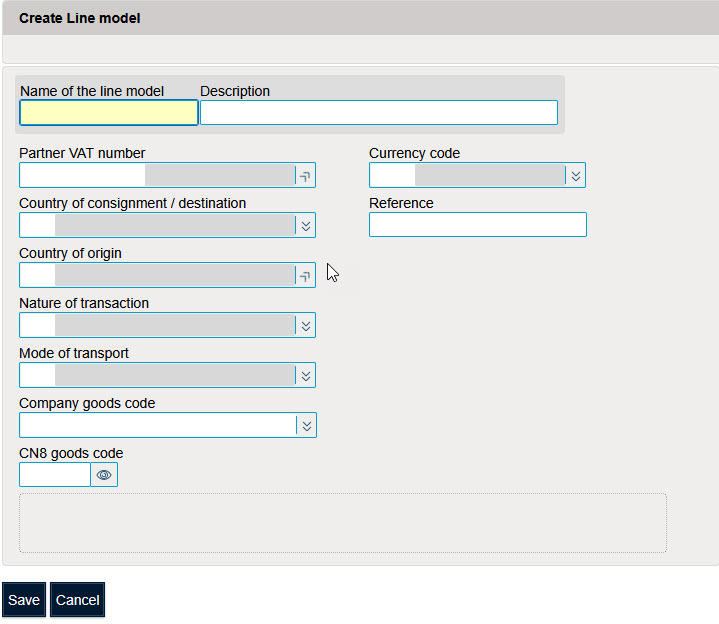
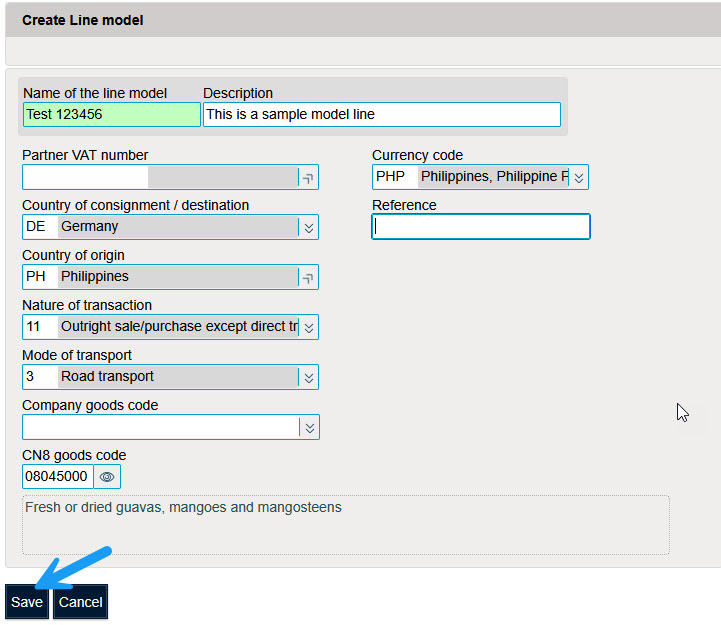
From the model lines table, click on "Create" to add a model line.

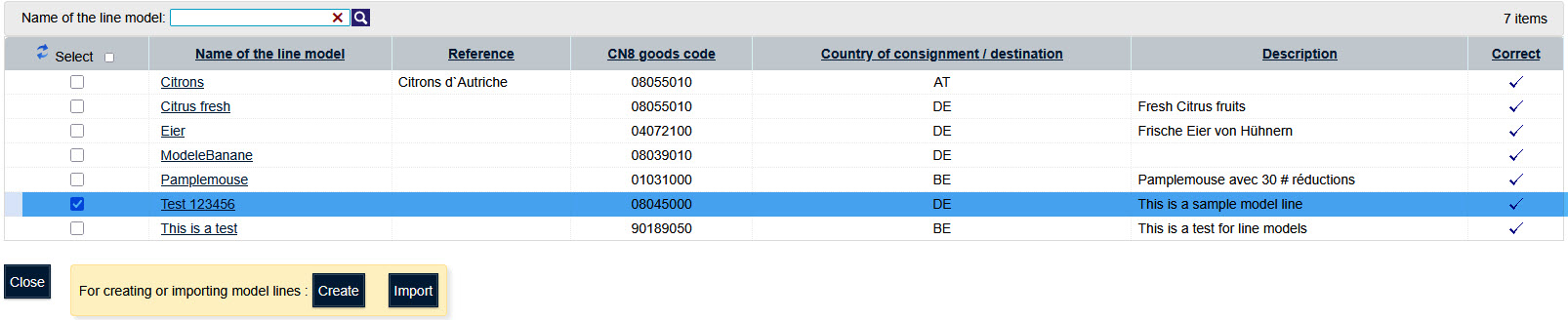
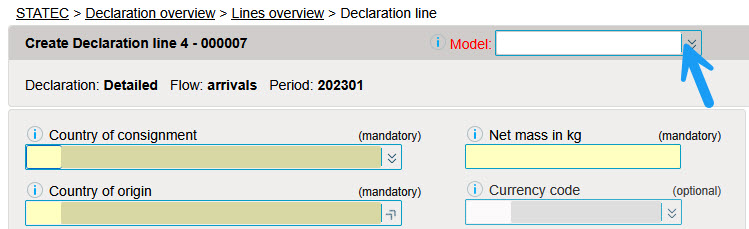
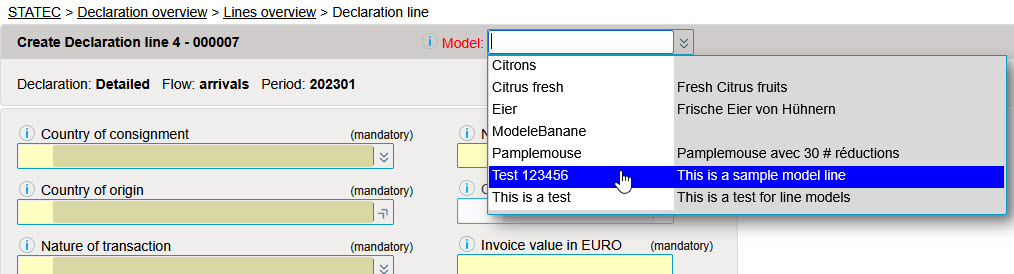
When encoding lines, it is possible to select a model line.
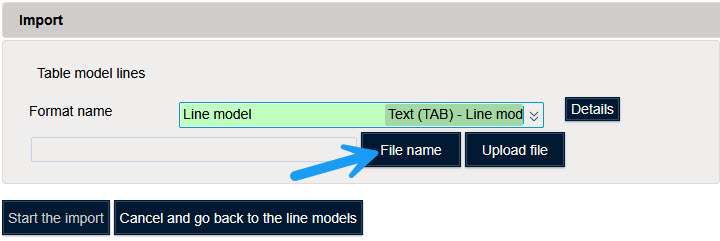
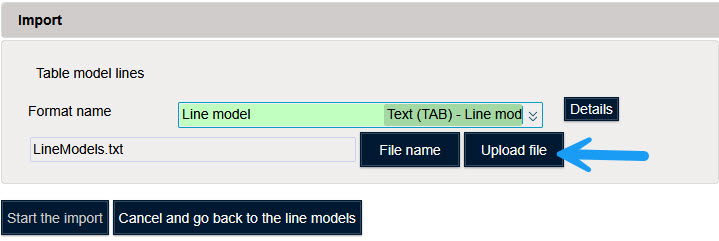
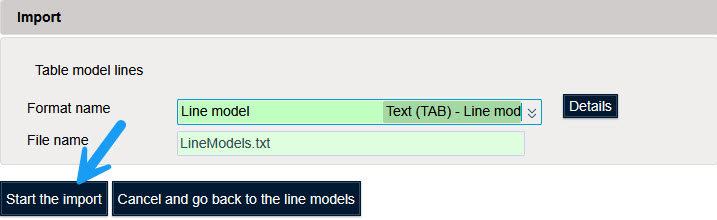
It is possible to import a file with line models.
Example of a file containing model lines (Download sample file in Excel format).

It is possible to encode model lines in this example file.
In order to import this file into Idep, it must be saved as a text file with “Tab” as delimiter.
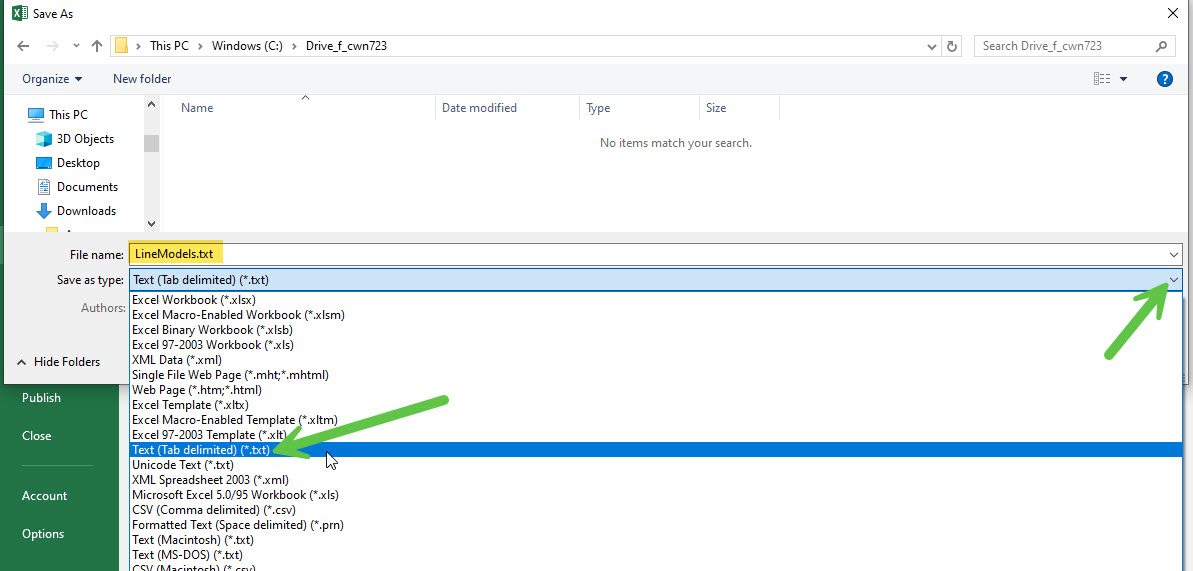
Example of this file exported in txt format containing model lines (csv file with “TAB” as separator).

Import a file with model lines into Idep.Web.