The trade partners table allows you to save a table with VAT numbers that are used regularly in your Intrastat declarations.
Here's an example of the structure of such a table :

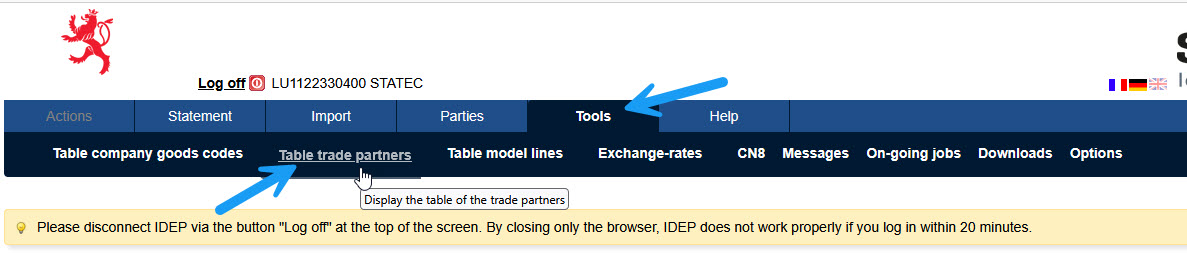
The trade partners table can be accessed via the menu, "Tools" menu "Table trade partners" option.
To add a trade partner click on "Create".

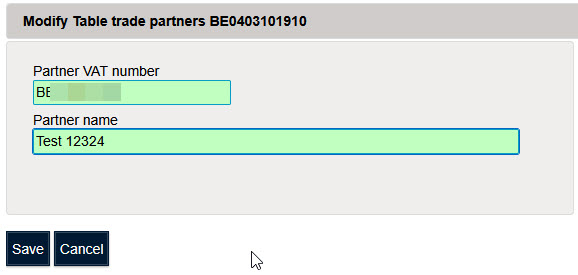
Click on “Save” to save the company's trade partner VAT number.
To change the details of a trade partner, click on the "partner VAT number".

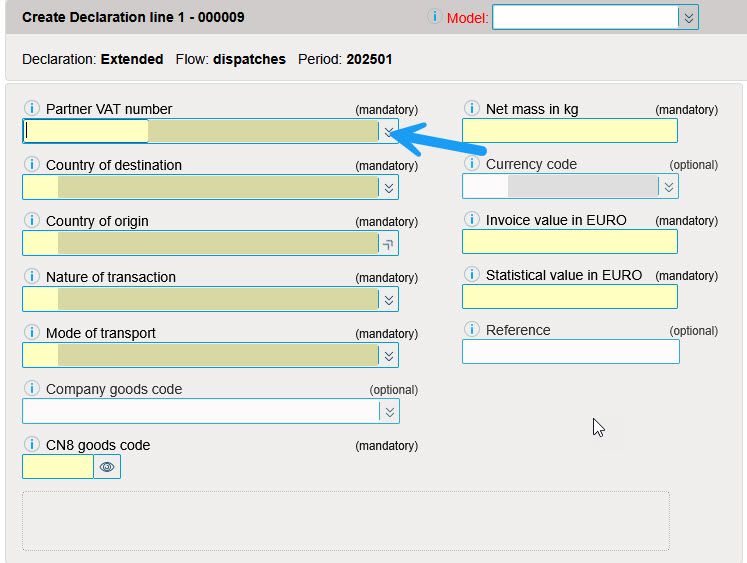
Use of trade partners VAT numbers in the Intrastat declaration.
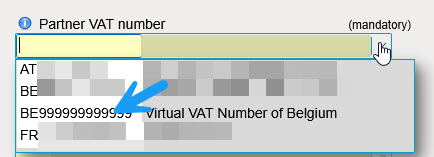
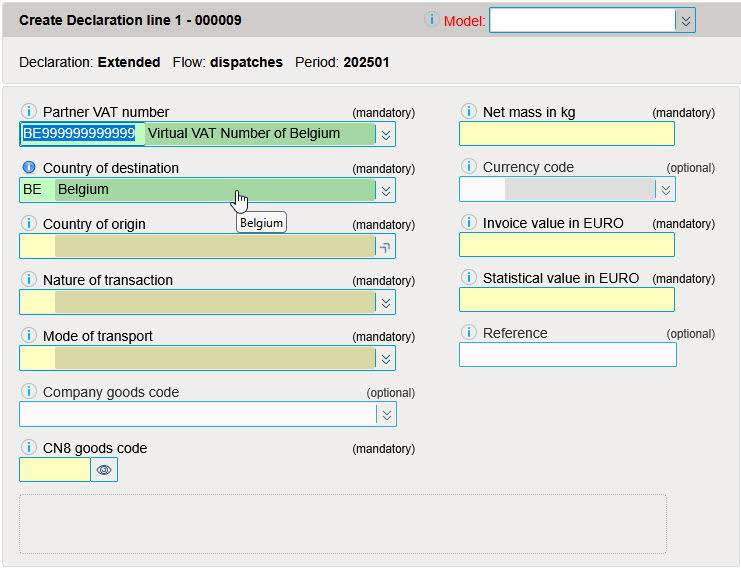
It is possible to import a file with trade partners VAT numbers.
Example of a file containing business partners (Download sample file in Excel format).

It is possible to encode partner vat numbers in this sample file.
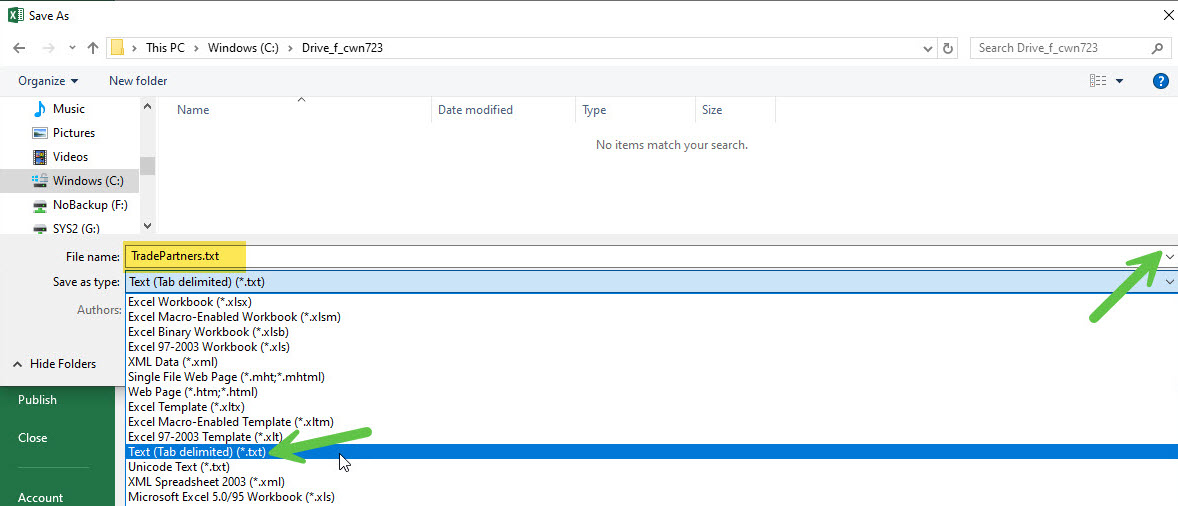
In order to import this file into Idep, it must be saved as a text file with “Tab” as delimiter.

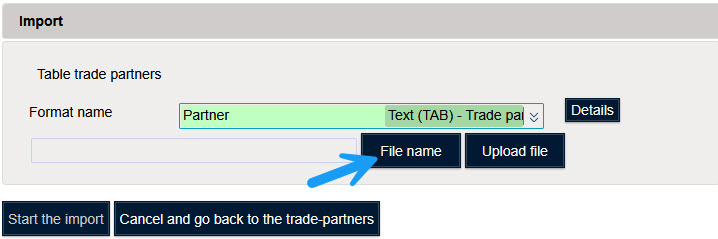
To import a file, click on "Import".
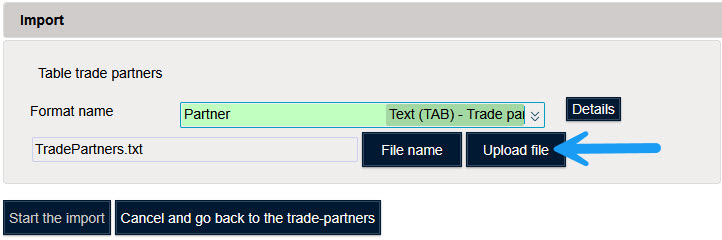
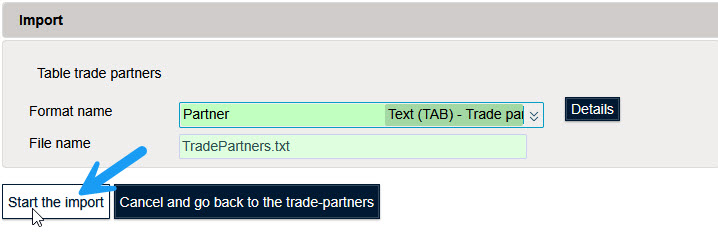

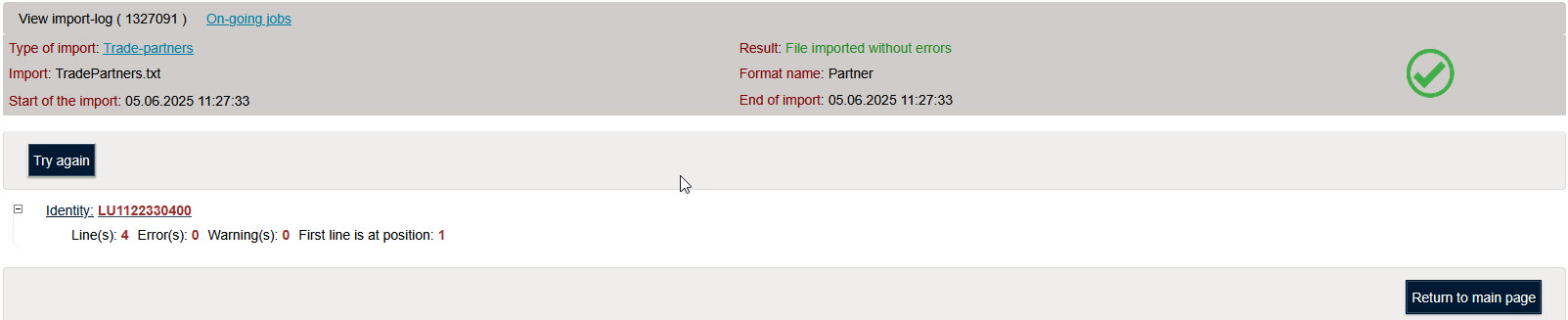
Click on "Successful/With errors" to see a summary of the import.