
Creation of an import format for a fixed-length file.

For this type of file you need a file description.
| Start of field position | field description | field length |
|---|---|---|
| 31 | Partner country | 2 |
| 33 | Nature of transaction | 2 |
| 35 | Mode of transport | 1 |
| 36 | Commodity code NC8 | 8 |
| 45 | Country of origin | 2 |
| 47 | Net mass | 9 |
| 56 | Supplementary unit | 2 |
| 65 | Invoice value | 11 |
| 76 | Statistical value | 11 |
| 100 | Partner VAT number | 20 |
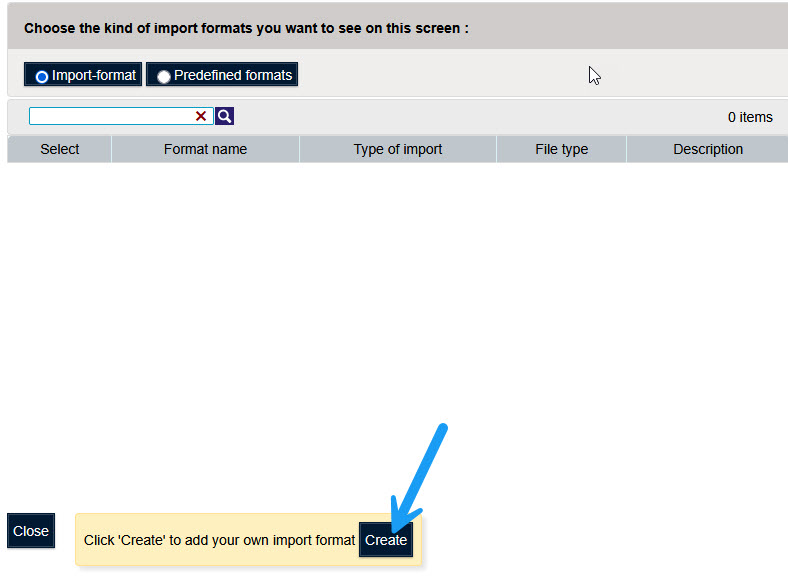
To create an import format, use the menu "Import" option "Import format".

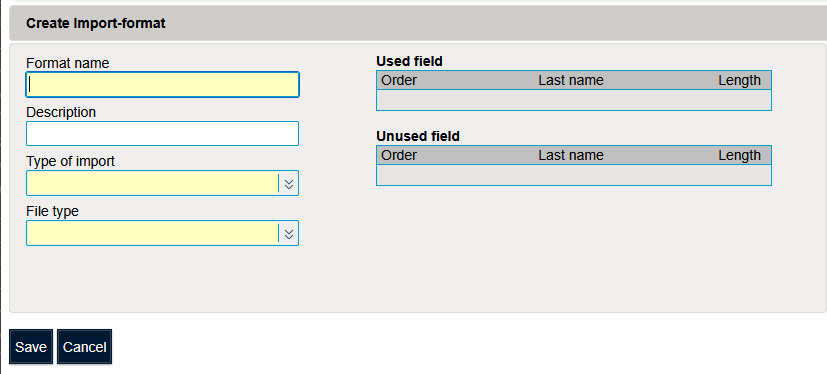
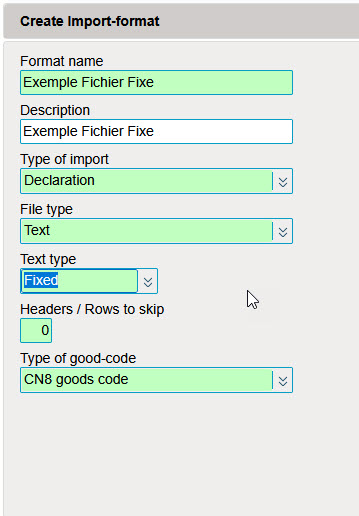
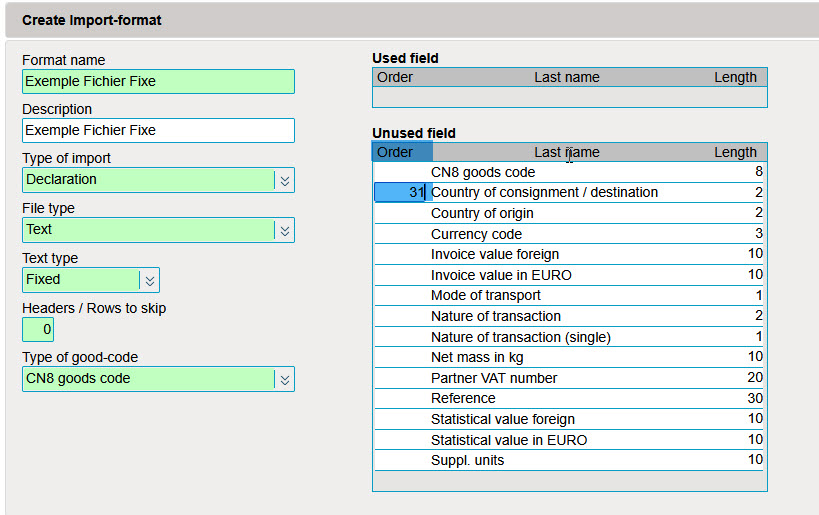
As the file does not contain information about the VAT number of the declarant, the statistical period or the Flow, the import type to choose is "Declaration".
Choose "Text" as the file type.
Select "Fixed" as the text type.
As the file does not contain headers, the number of lines to ignore is "0".
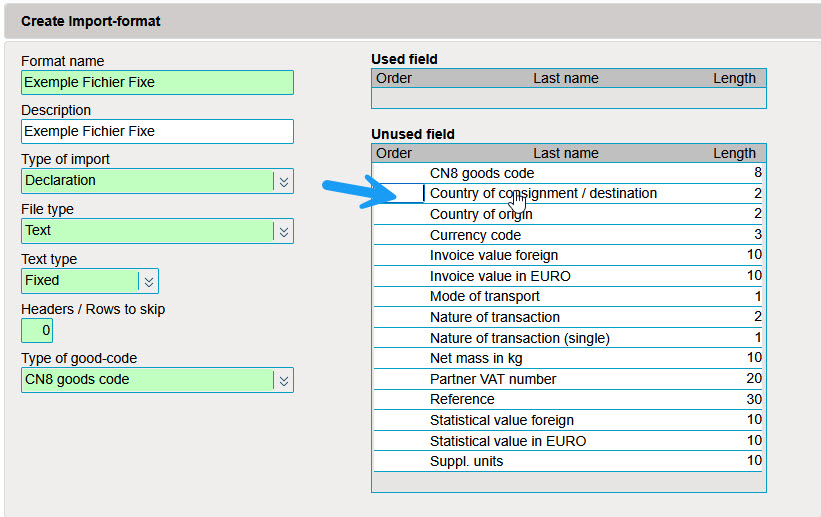
In the "order" column, enter the start position of an element.
In the "length" column, enter the length of the variable.
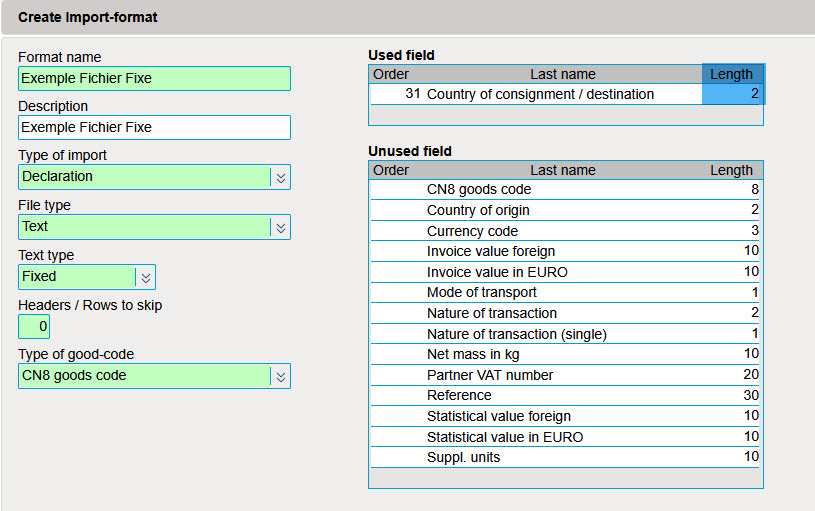
Encode all the start positions and the corresponding length in the table.

Click on "Save" to save the import format.